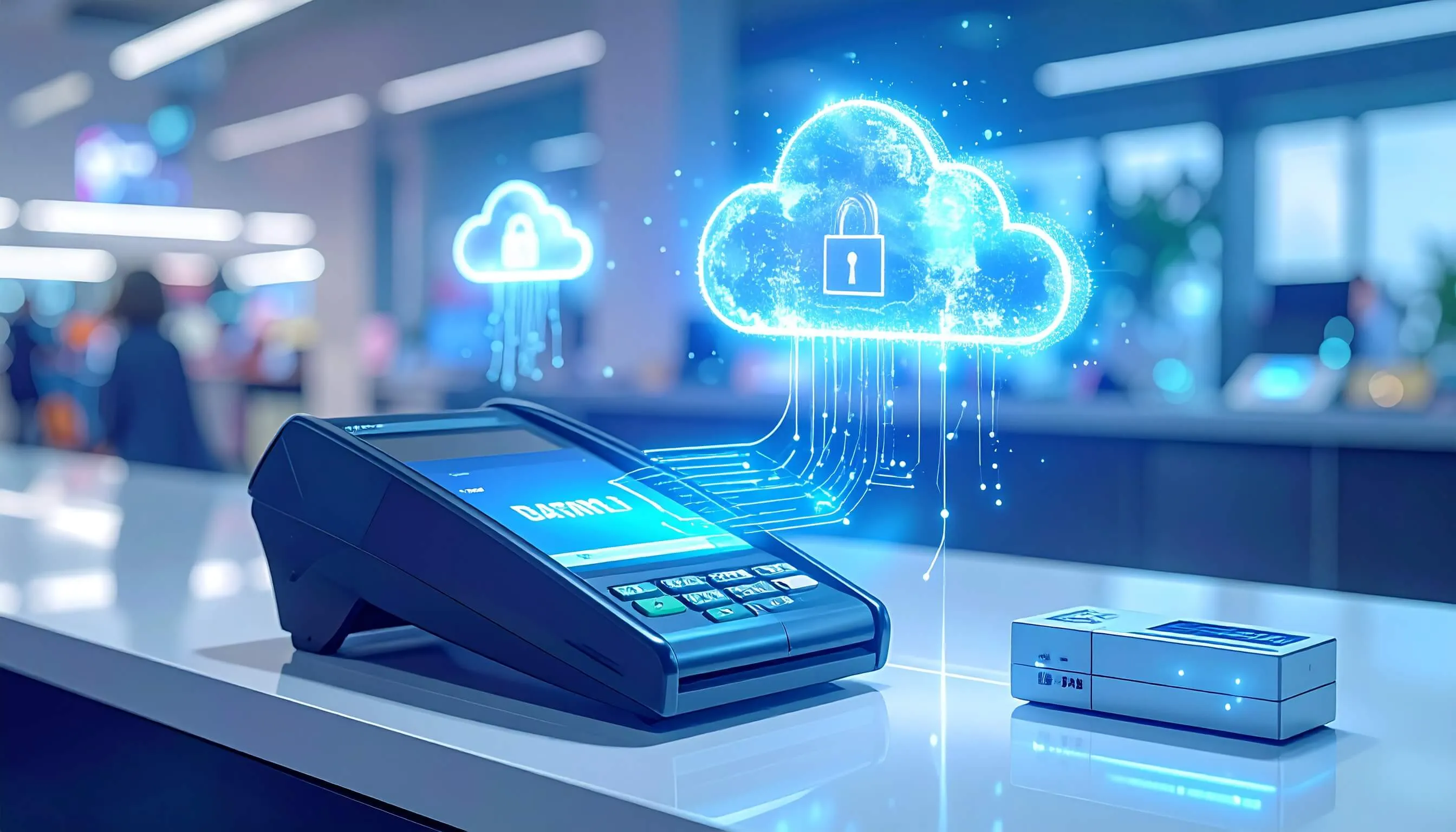
Introduction
In today's fast-paced retail and service industry, a retail system is essential for smooth business operations. It handles sales, manages inventory, and tracks customer behavior. However, what happens if your billing data gets lost? Accidental deletion, system crashes, or cyberattacks can put your business data at risk.
That's why knowing how to back up sales system data is important for every business owner in Sri Lanka and around the world.
This guide explores the importance of checkout system backups, methods to secure your data, and best practices tailored to different types of store systems.
What is a POS System?
A restaurant business system, or Point of Sale system, is a combination of hardware and software used to complete sales transactions. It helps businesses manage:
- Sales processing
- Inventory tracking
- Customer management
- Reporting and analytics
Modern retail systems can be tailored for specific industries, such as retail, restaurants, pharmacies, and hotels. Explore our advanced features or check our FAQ for more information. Some of the popular options in Sri Lanka include:
- POSSystem.lk in Sri Lanka
- POSSystem.lk
- QuickBooks billing system
Common Types of POS Systems
- cloud-based sales system: Data stored on the cloud for secure and remote access.
- Android checkout system: Portable devices running on Android OS.
- Desktop-based store system: Installed locally on PCs, laptops, or servers.
- Retail business system: Designed for stores, supermarkets, and grocery shops.
- Restaurant retail system: Handles table management, orders, and billing.
- Pharmacy billing system: Tracks prescriptions, inventory, and customer records.
Understanding the meaning of sales system and its functionalities is the first step toward maintaining a secure business operation.
Why Backing Up POS System Data is Critical
Data is the lifeblood of modern businesses. Losing transaction histories, inventory information, or customer records can have serious consequences. The key reasons to back up your point of sale solution data include:
- Prevent Business Disruption: System crashes or data corruption can halt operations. A backup ensures that your business continues running smoothly.
- Protect Against Cyber Threats: checkout systems, especially online and cloud-based ones, can be targets for hackers. Regular backups safeguard sensitive information.
- Financial Compliance: Maintaining records for audits and tax purposes is easier when your store system data is regularly backed up.
- Customer Satisfaction: Avoid loss of customer loyalty due to billing errors or missing order history.
By investing in a robust business system with affordable pricing, and following proper backup protocols, businesses can protect their data and maintain a competitive edge.
How to Backup Your POS System Data
Backing up retail platform data can vary depending on whether your system is cloud-based or offline. Let's explore the main methods:
1. Cloud-Based POS System Backup
Modern supermarket retail system solutions automatically store your business data on remote servers. Benefits include:
- Automatic daily backups
- Real-time data synchronization across multiple stores
- Remote access from anywhere
- Encrypted and secure storage
Popular cloud-based billing system options in Sri Lanka include POSSystem.lk, QuickBooks sales system, and online checkout system free solutions for small businesses.
Steps for Cloud Based POS System Backup:
- Ensure your store system is connected to a stable internet network.
- Enable automatic backup settings from the dashboard.
- Verify the backup logs regularly to confirm data integrity.
- Download backup copies periodically for offline storage as an added precaution.
2. Manual Backup for Offline POS Systems
If your business uses an Android business system such as PHP retail system, Java billing system, or C# sales system, manual backups are necessary. These systems store data locally on a server or PC.
Manual Backup Steps:
- Export the checkout Database: Use the built-in export feature to save a copy of the store system database.
- Choose Backup Location: Save backups on multiple storage devices like USB drives, external hard drives, or secure cloud platforms.
- Schedule Regular Backups: Depending on transaction volume, back up daily or weekly.
- Verify Backup Files: Ensure the files are complete and accessible before deleting old backups.
For retail business system or restaurant retail systems, regular manual backups are crucial to prevent disruption in operations and ensure accurate inventory and sales data.
Using POS System Backup Tools
Several tools and software options help streamline the backup process:
- QuickBooks retail billing system: Known for easy-to-use backup features and accounting integration.
- Open-source sales platforms: Provide automated database backups for restaurants and retail stores.
- Open source checkout system for restaurant: Allows custom scripts to schedule and automate backups.
- My store system: Offers cloud and offline backup options for small businesses.
These tools simplify backup management and reduce human error.
Backup for Different Types of POS Systems
Depending on the type of business system, backup methods may vary:
| POS System Type | Recommended Backup Method |
|---|---|
| Cloud Based retail System | Automatic backups with remote storage |
| Offline billing System | Manual database exports to multiple locations |
| Mobile sales System | Cloud sync or local database export |
| Android checkout System | Cloud sync or SD card/USB backup |
| Pharmacy store System | Regular database export with encryption for sensitive patient information |
| Restaurant business System | Backup of orders, inventory, and customer data daily to prevent operational disruption |
Understanding your retail system type is critical to implementing the right backup strategy.
Best Practices for POS System Backup
To ensure your mobile billing system backup strategy is effective:
- Test Your Backups: Regularly verify that backups are functional.
- Secure Your Backup Data: Use encryption to protect sensitive financial and customer information.
- Automate Where Possible: Automation reduces human error, especially for high-transaction businesses.
- Maintain a Backup Schedule: Create a daily, weekly, or monthly schedule based on your business needs.
- Document the Backup Process: Keep a written procedure for future reference and audits.
Following these best practices helps businesses maximize the value of their POS system database and reduce the risk of data loss.
Choosing the Best POS System in Sri Lanka for Backup
When selecting a POS system in Sri Lanka, consider the following:
- Backup Capabilities: Does the system offer cloud backup or automated database exports?
- Ease of Use: Systems with user-friendly dashboards and POS system UI reduce errors during backup.
- Industry-Specific Features: Pharmacy, restaurant, or retail POS systems may have specialized backup requirements.
- Price and Support: Compare POS system price in Sri Lanka and customer support availability.
Some recommended options include:
- POSSystem.lk in Sri Lanka
- Restaurant POS system Sri Lanka
- Pharmacy POS system Sri Lanka
- QuickBooks POS system
Additionally, POS system reseller networks can offer support and guidance on proper backup solutions.
Advanced Backup Strategies
For businesses handling large volumes of data, advanced strategies can help:
- Incremental Backups: Only back up data that has changed since the last backup.
- Offsite Backups: Keep a copy of your database in a separate location to protect against disasters.
- Encrypted Backups: Protect sensitive customer and financial data with encryption.
- Redundant Storage: Use multiple storage locations, both local and cloud-based.
Advanced strategies ensure that even in worst-case scenarios, your POS system data remains safe.
Common Challenges and Solutions
| Challenge | Solution |
|---|---|
| Large Database Size | Use incremental backups or cloud storage solutions with high capacity. |
| Human Error During Manual Backups | Automate backups and maintain a clear backup schedule. |
| Cybersecurity Threats | Encrypt backup files, implement firewalls, and use secure cloud platforms. |
| Lack of Technical Expertise | Work with a POS system reseller or choose systems with simple, automated backup options like cloud based pos system. |
Conclusion
Backing up your best POS system in Sri Lanka data is not just a technical task. It is essential for running a secure and efficient business.
Whether you use a cloud based pos system, an offline PHP POS system, or a QuickBooks POS system, regular backups protect sales, inventory, and customer data from unexpected disruptions.
For businesses in Sri Lanka, choosing the best POS system with reliable backup features offers peace of mind and smooth business operations. By following best practices, using the right tools, and focusing on your needs, you can safeguard your business data and concentrate on growth and customer satisfaction.