Introduction
Expanding a business to multiple locations is a milestone — but it also multiplies operational complexity. Managing inventory, pricing, staff, and sales reporting across separate branches using disconnected systems creates significant blind spots, inconsistencies, and wasted management time.
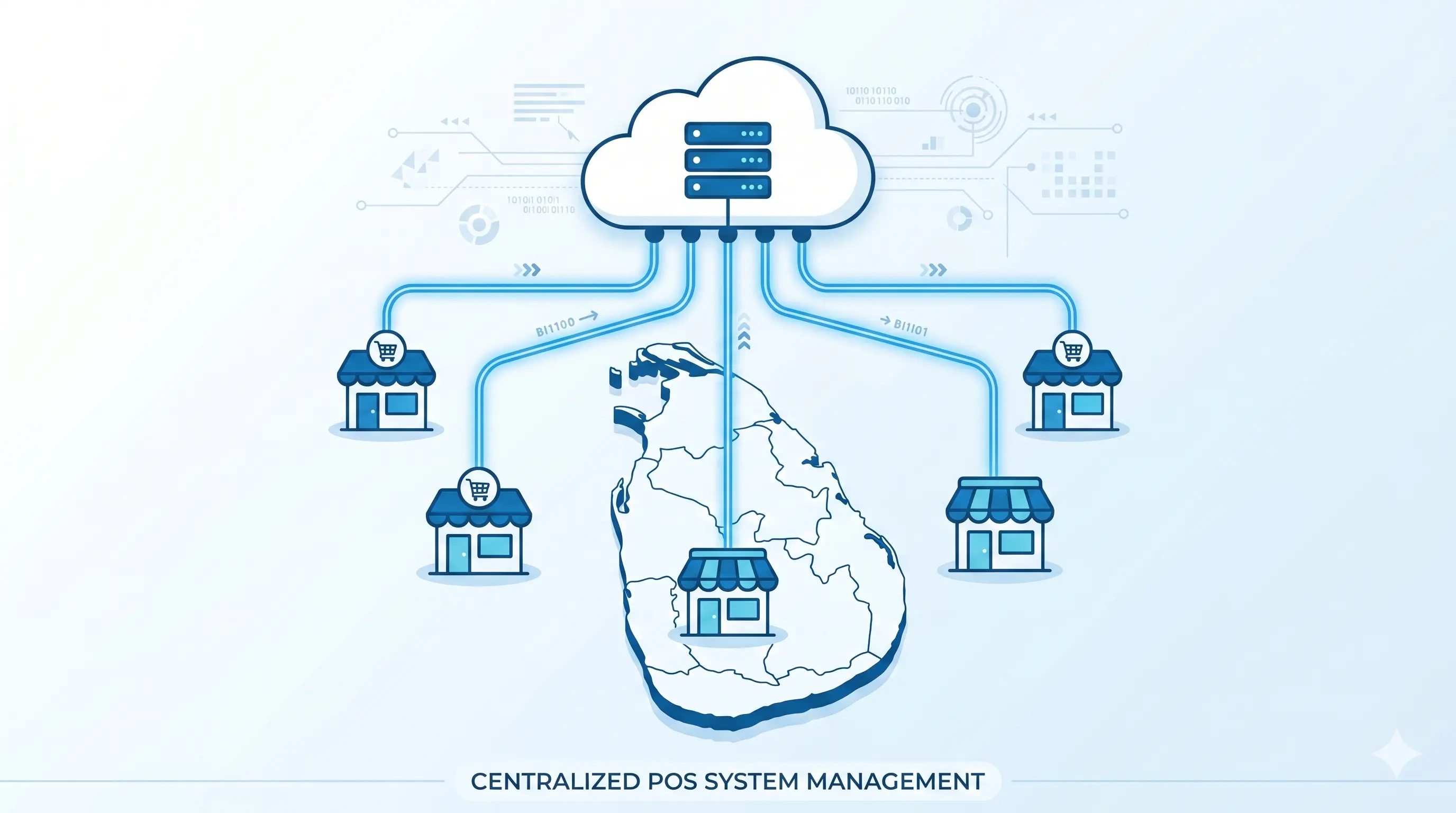
A multi-branch POS system solves this by connecting every location to a single centralized platform — like our all-in-one billing platform — giving you real-time visibility and control over your entire business operation from one dashboard.
The Challenges of Running Multiple Branches Without a Unified POS
Without a multi-branch POS, common problems include:
- No real-time visibility: You don't know today's sales at each branch until end-of-day reports arrive — often manually compiled
- Inconsistent pricing: Different branches may charge different prices for the same item if product lists are managed separately
- No inter-branch stock management: Branch A runs out of stock while Branch B has excess — but there's no system to facilitate transfers
- Separate customer databases: A loyal customer at Branch A is unknown to Branch B — lost loyalty opportunity
- Consolidated reporting requires manual effort: Someone must pull reports from each branch and merge them — weekly or monthly
- Inconsistent promotions: Running the same promotion across all branches simultaneously is difficult to coordinate
How a Multi-Branch POS Solves These Problems
Centralized Product and Pricing Management
Add a new product once in the head office dashboard — it appears in all branches immediately. Update a price centrally and every branch reflects it in real time. No more per-branch product management or pricing discrepancies.
Inter-Branch Stock Transfers
Initiate a stock transfer from Branch B to Branch A directly in the POS system. Both inventory counts update automatically when the transfer is confirmed. Track transfers in transit and maintain a full audit trail of all inter-branch movements.
Real-Time Multi-Branch Sales Dashboard
View today's sales from every branch in a single dashboard. Compare branch performance side-by-side. Identify top and bottom performing locations, track hourly sales patterns, and drill down into specific product performance by branch — all in real time, not end-of-day.
Centralized Customer Database
A customer registered at any branch is accessible at all branches. Their purchase history, loyalty points, and preferences are centralized — enabling genuine loyalty programs that work regardless of which branch the customer visits.
Branch-Level Employee Management
Assign staff to specific branches with branch-level permissions. Track attendance, performance, and productivity by branch using the employee management system. Head office staff can access all branches while cashiers are restricted to their own location.
Unified Financial Reporting
Generate consolidated profit and loss reports, sales summaries, and inventory valuations across all branches with a single click. No manual data consolidation. The system aggregates all branch data automatically.
Who Needs a Multi-Branch POS System?
| Business Type | Multi-Branch POS Value |
|---|---|
| Retail clothing / fashion chains | Centralized product catalogue, cross-branch stock visibility, unified customer database |
| Restaurant and cafe franchises | Standardized menu management, branch sales comparison, franchise-level reporting |
| Pharmacy chains | Centralized drug database, regulatory compliance reporting, inter-branch medicine transfer |
| Supermarket / grocery chains | Centralized pricing, category management, consolidated procurement data |
| Hotel groups | Multi-outlet food & beverage tracking, room charge integration, group-level occupancy reporting |
| Electronics retailers | Warranty tracking by serial number across branches, inter-branch order fulfillment |
Cloud POS vs On-Premise for Multi-Branch
For multi-branch operations, cloud POS is strongly preferred over traditional on-premise installations. The reasons:
- Cloud: All branches connect to a single live database — centralized by design, real-time sync, no complex networking infrastructure required between locations
- On-premise: Each location needs a local server. Connecting multiple servers requires enterprise networking infrastructure and ongoing IT maintenance. Real-time sync is technically complex and expensive to maintain.
For large enterprises that require both cloud visibility and local resilience, a hybrid Desktop-Cloud system that works offline locally and syncs to cloud provides the best balance.
Key Features Checklist for Multi-Branch POS
- ✅ Centralized product and pricing management from head office
- ✅ Real-time branch-by-branch sales dashboard
- ✅ Inter-branch stock transfer with audit trail
- ✅ Consolidated multi-branch financial reporting
- ✅ Branch-level user accounts and access control
- ✅ Unified customer database with cross-branch loyalty
- ✅ Branch comparison and performance analytics
- ✅ Multi-branch offline capability with auto-sync
Scaling from One Branch to Many
A well-designed multi-branch POS grows with your business. You should be able to add a new branch without software reinstallation — simply activate a new branch in the cloud dashboard, configure it, and it's live. Integration with an ERP system extends this further with full accounting, purchasing, and HR management across all branches from a single platform.
View multi-branch pricing at possystem.lk or contact our team to design the right setup for your number of locations.
Conclusion
Managing multiple business locations without a unified POS is like flying blind — you're always working from delayed, incomplete information. A multi-branch POS system gives every business owner with more than one location the real-time control, consistent operations, and consolidated visibility that was previously only accessible to large corporations with enterprise IT budgets.
In Sri Lanka's growing retail and F&B landscape, the businesses that scale successfully are those that invest in connected systems before expansion creates chaos.