Introduction: Why Accurate Labelling Changes Everything
In the competitive world of retail and logistics, accuracy is everything. A single manual entry error can lead to inventory discrepancies, pricing mismatches, and lost revenue. This is why a high-performance barcode printer is an essential tool for any modern business. At POSSystem.lk, we provide the hardware and software integration needed to keep your operations running smoothly.
From identifying the best barcode printer price in Sri Lanka to understanding the difference between direct thermal and thermal transfer technology, this guide covers everything you need to make an informed purchase decision for your business.
What is a Barcode Printer and Why Does Your Business Need One?
A barcode printer is a specialized device designed to produce labels, tags, or tickets containing machine-readable barcodes. Unlike standard office printers, these units are built to handle rolls of adhesive label stock and produce crisp, high-contrast printed lines that are easily readable by both laser and CCD barcode scanners.
Core Benefits for Sri Lankan Businesses
- Real-Time Inventory Management: Track stock levels accurately and eliminate manual counting errors during stock-takes.
- Price Accuracy: Ensure the price printed on the shelf label always matches the price charged at the POS counter.
- Professional Branding: Give your products a branded, polished look with custom labels featuring your logo, product details, and pricing.
- Faster Checkout: Properly labelled products scan first-time every time, reducing queue times at the counter.
- Expiry Date Management: Print batch and expiry dates on pharmaceutical and food product labels with full compliance.
Thermal Barcode Printer vs. Thermal Transfer: Which Do You Need?
When searching for a thermal barcode printer, it is important to understand the two main printing methods available in the market. Choosing the wrong method for your label type is the most common and costly purchasing mistake.
| Feature | Direct Thermal | Thermal Transfer |
|---|---|---|
| Ribbon Required? | No - uses heat-sensitive paper | Yes - wax or resin ribbon |
| Label Durability | Short-term (fades in sunlight/heat) | Long-lasting (water, sun & scratch resistant) |
| Running Cost | Lower (no ribbon to replace) | Slightly higher (ribbon replacement) |
| Best For | Shipping tags, food labels, receipts | Electronics, jewelry, shelf labels, warehouse |
| Sri Lanka Use Case | Supermarket receipt labels, courier tags | Retail shelf labels, pharma, electronics price tags |
Most barcode printers in Sri Lanka offered by POSSystem.lk, including the X Printer T361, support both methods — giving you maximum flexibility for your labeling needs without purchasing two separate units.
Barcode Printer Price in Sri Lanka: What to Expect
The barcode printer price in Sri Lanka varies significantly based on the printing volume, durability, and connectivity of the machine. Desktop models are perfect for small boutiques and pharmacies, while industrial-grade printers are required for 24/7 manufacturing or logistics environments.
| Printer Category | Best For | Price Range (LKR) |
|---|---|---|
| Portable Barcode Printer | Warehouse Pickers / Delivery | 18,000 - 35,000 |
| Desktop Barcode Printer | Retail Stores / Pharmacies | 23,000 - 45,000 |
| Industrial Barcode Printer | Factories / Large Warehouses | 95,000+ |
For the most up-to-date costs and current stock availability, visit our hardware pricing page.
Spotlight: X Printer T361 Barcode Printer
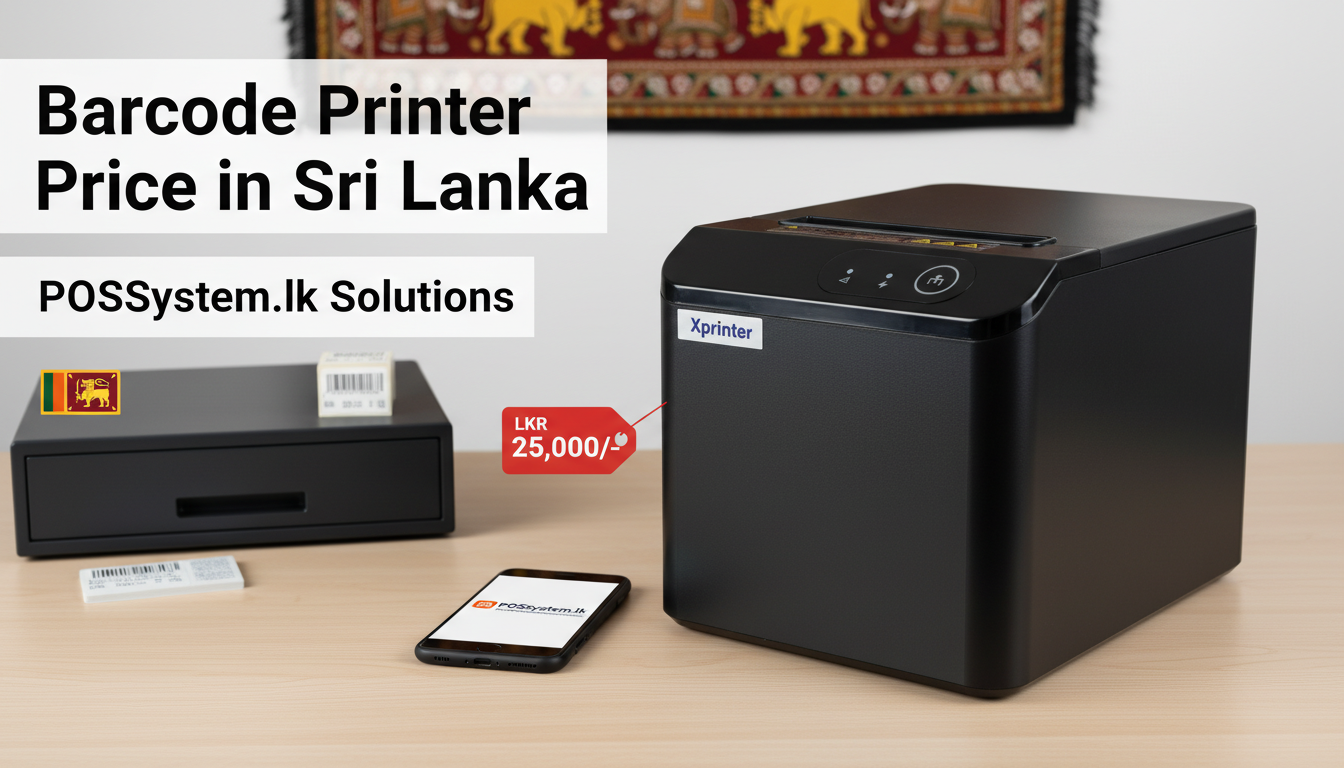
The X Printer T361 is the most popular barcode printer in Sri Lanka for retail and pharmacy use. It strikes the ideal balance between print quality, label compatibility, and price — making it the go-to choice for businesses upgrading from manual sticker labels to automated barcode printing.
X Printer T361 Key Specifications
- Printing Method: Direct Thermal & Thermal Transfer (both supported)
- Max Print Width: 108mm
- Resolution: 203 DPI (dots per inch)
- Print Speed: Up to 127mm/s
- Connectivity: USB + Serial (LAN optional)
- Label Width Range: 25mm - 108mm
- Compatible Barcodes: Code 128, Code 39, EAN-13, QR Code, and more
- Price: LKR 23,000 - view the barcode label printer product page
Mobility in Action: The Portable Barcode Printer
For businesses that require labeling on the go, a portable barcode printer is the ultimate solution. These lightweight, battery-operated devices allow staff to print labels directly at the warehouse shelf, at a customer's doorstep, or during stock-taking without ever returning to a central printing station.
A portable barcode printer typically connects via Bluetooth or Wi-Fi to a smartphone, tablet, or handheld terminal. This significantly increases productivity during delivery dispatch, field sales, and inventory audits across multiple locations — a critical advantage for Sri Lankan businesses operating in multiple branches or across the customer's premises.
How to Choose the Right Barcode Printer for Your Business
1. Assess Your Daily Print Volume
Will you be printing 50 labels a day or 5,000? Overloading a portable or entry-level desktop printer with high daily volumes leads to frequent repairs and premature print head failure. For volumes above 1,000 labels per day, invest in a mid-range or industrial desktop printer with a MTBF-rated print head.
2. Match Connectivity to Your Setup
Standard USB is sufficient for a single POS terminal. LAN (Ethernet) is the better choice for shared office or warehouse setups where multiple operators need to print to the same printer over a network. Bluetooth is essential for mobile or handheld operations. All barcode printers from POSSystem.lk are pre-configured to work with our POS software out of the box.
3. Choose the Right Label Width
Check if the printer can handle your specific label widths. A 2-inch (51mm) width suits price tags for small products. A 4-inch (102mm) width handles shipping labels and larger product tags. The X Printer T361 handles widths from 25mm to 108mm, covering virtually all Sri Lankan retail and logistics use cases.
4. Direct Thermal or Thermal Transfer?
If your labels need to last only a few weeks (courier bags, supermarket produce), direct thermal is more cost-effective. If your labels must survive outdoor conditions, prolonged shelf life, or chemical exposure (pharmacy bottles, electrical components), always choose thermal transfer with a wax or resin ribbon.
5. Verify Software Compatibility
Your barcode printer must generate barcodes that your POSSystem.lk software can recognize and scan at the counter. We pre-configure all barcode printers to output the correct barcode standard (EAN-13, Code 128, QR) for seamless integration with our POS inventory module.
Setting Up a Barcode Printer with Your POS System
- Connect the barcode printer to your POS computer via USB or LAN and install the printer driver from the manufacturer's CD or download page.
- In your POSSystem.lk software, go to Settings ? Inventory ? Label Printing and select your connected barcode printer.
- Choose your label template — product name, barcode, price, expiry date fields can all be configured.
- Load your label roll (ensure paper type matches your printing method: direct thermal or thermal transfer).
- Select one or more products from Inventory and click "Print Labels" — the printer outputs barcoded stickers immediately.
- Scan the printed barcode at the POS counter or with a barcode scanner to confirm accurate product lookup.
Why Buy Your Barcode Printer from POSSystem.lk?
- Pre-Tested & Pre-Configured: All barcode printers arrive tested and configured for our POS software - zero setup headaches.
- Islandwide Support: Our technicians cover all 25 districts for on-site installation, training, and technical support.
- Bundle Savings: Pair your barcode printer with a complete POS hardware bundle - barcode scanner, cash drawer, and receipt printer - for maximum savings.
- Warranty: 1-year hardware warranty on all barcode printers. Software includes lifetime warranty with free updates.
- Genuine Products: All units are genuine branded hardware with official warranty documentation - no grey-market imports.
Frequently Asked Questions
What is the barcode printer price in Sri Lanka?
Prices range from LKR 18,000 for portable models to LKR 59,000 for desktop models. The popular X Printer T361 is available at LKR 23,000. Industrial units start from LKR 95,000. Visit our hardware pricing page for the latest rates.
Can I print QR codes as well as barcodes?
Yes. Modern barcode printers like the X Printer T361 support QR codes, Data Matrix, and 2D codes in addition to standard linear barcodes (EAN-13, Code 128, Code 39). Our POS software supports QR code label generation as part of the inventory labeling module.
Do I need a barcode printer if I already have a receipt printer?
Yes - they serve entirely different functions. Your thermal receipt printer prints customer receipts on plain thermal roll paper. A barcode printer prints adhesive labels on label stock rolls for affixing to products, shelves, or shipments. Both are needed for a complete retail operation.
What label software is needed to design barcode labels?
Most Xprinter models include a basic label design utility. For more advanced templates with logos and multi-field layouts, our POSSystem.lk inventory module has a built-in label designer that lets you create and print professional barcode labels directly without third-party software.
Conclusion: Invest in Accuracy, Invest in a Barcode Printer
Investing in a high-quality barcode printer in Sri Lanka is one of the smartest decisions you can make for your business. It eliminates human labeling errors, speeds up the checkout process, and gives you a crystal-clear, real-time view of your inventory at all times.
Whether you run a small pharmacy, a supermarket, or a warehouse, there is a barcode printer that fits your exact budget and volume requirements. At POSSystem.lk, our team will help you select, configure, and install the right unit for your operations - islandwide.
For businesses that want to connect inventory, purchasing, finance, and staffing in one platform, explore our ERP System page for full process integration.
Ready to eliminate inventory errors? View the X Printer T361 barcode label printer or compare all models on our hardware pricing page. Call +94 70 524 3021 or email admin@possystem.lk.