Introduction
Running a restaurant is one of the most operationally complex businesses there is. You're managing tables, coordinating kitchen orders, tracking ingredient inventory, handling multiple payment types, and trying to deliver a consistent customer experience — all at the same time.
A general retail retail system cannot handle the demands of food service. A restaurant billing system is purpose-built for the F&B industry — much like our POS system — with features that directly reduce order errors, speed up table service, and give owners the financial visibility to run profitably.
This complete guide covers every aspect of restaurant sales systems in 2026 — from must-have features to ROI calculations specific to Sri Lankan restaurants.
Why Restaurants Need a Specialized POS System
The fundamental difference between retail and restaurant operations is that in food service, the product is prepared after the order is taken — not pre-packaged on a shelf. This creates a unique set of challenges:
- Order accuracy: Verbal order communication between wait staff and kitchen leads to mistakes — wrong dishes, missing modifications, allergen errors
- Table management: Multiple tables at different stages (seated, ordered, eating, waiting for bill) must be tracked simultaneously
- Billing complexity: Split bills, shared tabs, item transfers between tables, and multiple payment methods per table
- Kitchen coordination: Multiple dishes per table must arrive together — the kitchen needs precise sequencing information
- Ingredient inventory: What sells at the table depletes raw materials in the kitchen — both must be tracked together
Must-Have Features in a Restaurant POS System
Table Management and Digital Floor Map
A restaurant checkout displays a live digital map of your floor plan. Each table shows its current status: empty (green), occupied (orange), or waiting for bill (red). Tap any table to see the full order, time seated, assigned waiter, and running bill total.
Managers get a complete floor overview at a glance — essential for maximizing capacity during peak service.
Kitchen Order Ticket (KOT) Printing
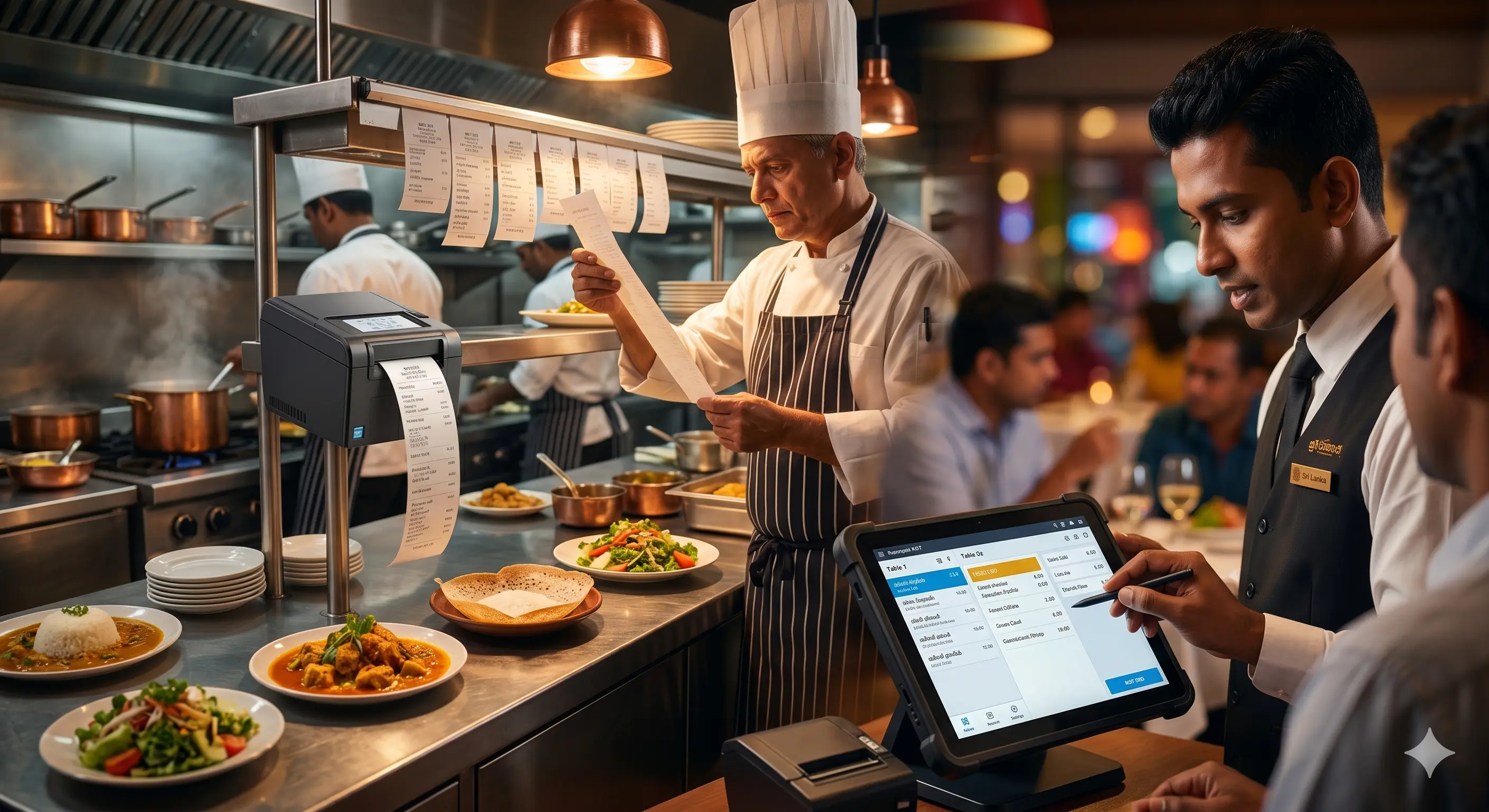
When a waiter enters an order on the store, a KOT prints automatically on the kitchen printer — immediately and completely. No verbal relay, no written chits, no misheard items. The kitchen team reads exactly what was ordered, in the sequence it should be prepared.
This single feature alone reduces order errors by 70–90% and speeds up kitchen communication significantly.
Menu Management with Modifiers
Every dish can have modifier options: cooking level (rare, medium, well done), add-ons (extra cheese, no onion), substitutions, and portion sizes. Waiters select modifiers on the system screen — all options print on the KOT with the dish, so the kitchen prepares it exactly as ordered.
Split Billing and Bill Merge
When a group wants separate bills, split them on the system with any combination: by item, by person, or by custom amount. When two tables need to be combined for billing, merge them in seconds. Both functions that are painful to do manually are instant in a restaurant POS.
Fast-Food Counter Mode
For quick service restaurants, cafes, and takeaway counters, the POS switches to a counter mode designed for speed — no table allocation, instant billing, quick payment, and queue management.
Delivery Order Management
Manage delivery orders alongside dine-in — with customer address records, delivery status tracking, and driver assignment. All delivery orders appear in the same kitchen queue as dine-in orders.
Ingredient-Based Inventory Deduction
When a dish is sold, the POS automatically deducts the recipe ingredients from raw material stock. Sell 10 beef burgers and the system deducts 1kg of beef, 10 buns, and 10 portions of sauce — without any manual counting.
This feature gives restaurant owners real-time kitchen inventory visibility and flags when ingredients are running low — before service is disrupted.
Happy Hour and Time-Based Promotions
Set promotions that activate automatically during defined hours: happy hour drink discounts, lunch specials, early bird pricing. The POS applies them without staff needing to remember or manually override prices.
Restaurant POS for Different Establishment Types
| Type | Key POS Features Needed |
|---|---|
| Fine dining restaurant | Table management, split billing, course sequencing, wine list management |
| Fast food counter | Counter mode, quick billing, combo meal management, queue display |
| Cafe & bakery | Item modifiers, takeaway mode, daily specials, recipe costing |
| Bar & pub | Tab management, happy hour pricing, cocktail ingredient tracking |
| Hotel restaurant | Room charge integration, multi-outlet management, guest billing |
| Multi-branch chain | Centralized menu management, consolidated reporting, brand consistency |
How Restaurant POS Reduces Order Errors
In a traditional restaurant, an order passes through three verbal or written handoffs: customer to waiter (written on pad), waiter to kitchen (shouted or placed on spike), kitchen to waiter (called out or waved). Each handoff is a point of failure.
With a restaurant POS, there is one handoff: customer to waiter (entered on POS screen). The rest is automatic — KOT prints in kitchen, bill calculates, payment processes, record stores. Errors become near-impossible rather than inevitable.
Real ROI: What a Restaurant POS System Saves You
| Impact Area | Before POS | After POS (Monthly) |
|---|---|---|
| Wrong orders per day | 8 – 12 | 0 – 2 |
| Average table turnover time | 75 minutes | 60 minutes |
| Additional covers per evening | — | +15 – 25 |
| Manual daily report time | 45 – 60 min | 5 min (automatic) |
| Revenue uplift (50-table restaurant) | — | Rs. 80,000 – 150,000 |
Choosing the Right Restaurant POS in Sri Lanka
When evaluating restaurant POS systems, prioritize these questions:
- Does the system include a customizable floor map matching your layout?
- How many kitchen printers are supported?
- Can menu items and prices be updated without IT help?
- Does it support online/delivery order integration?
- Is there a mobile waiter app for tableside ordering?
- How does the system handle internet outages during busy service?
Explore possystem.lk restaurant POS system — fully customized for Sri Lankan restaurant operations with local support and lifetime warranty. Also see our bar and restaurant POS and bakery POS for specialized setups.
Conclusion
A restaurant POS system is not just a billing tool — it is an operations management platform that touches every aspect of your service: orders, kitchen, tables, inventory, staff, and finances. In 2026, Sri Lankan restaurants that embrace POS technology serve more customers, make fewer mistakes, and earn significantly more than those still running on paper and manual billing.
Contact possystem.lk for a free restaurant POS demo tailored to your establishment type and size.