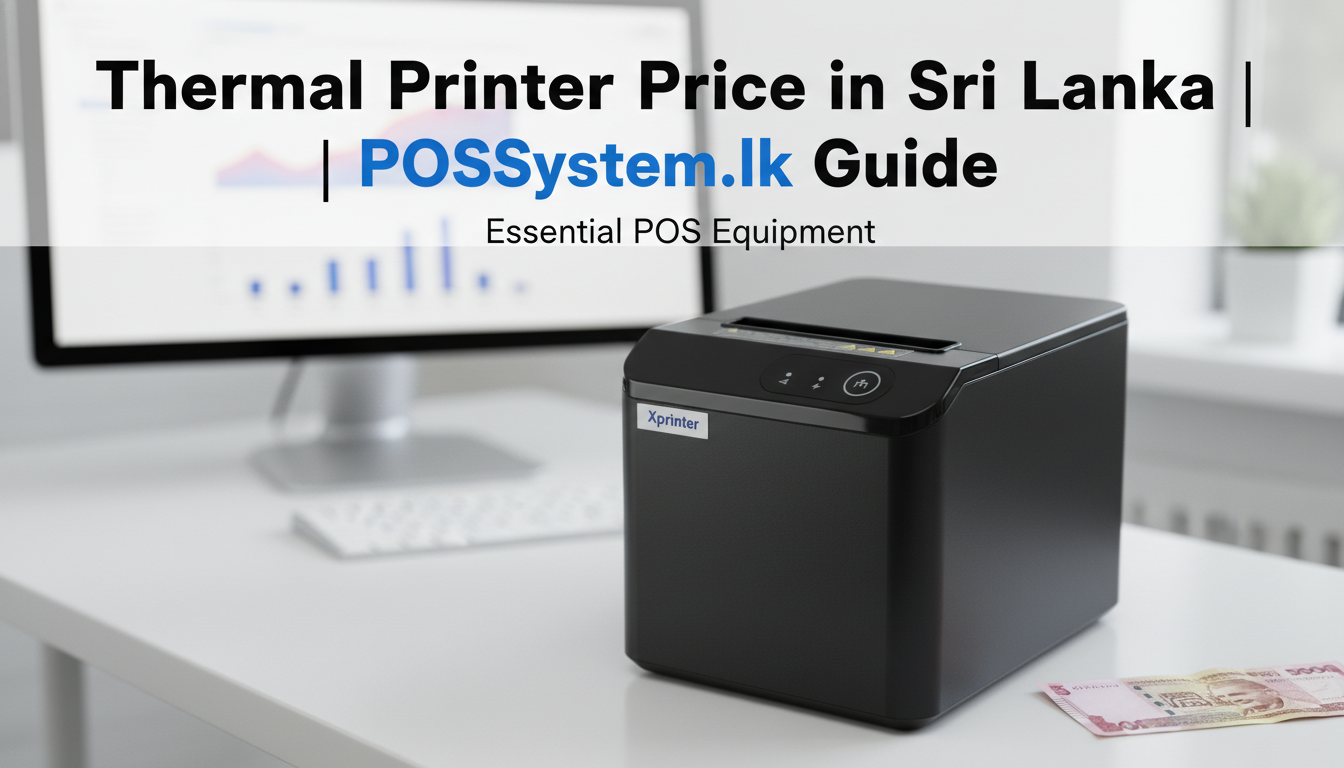
Introduction: Why Your POS System Deserves the Right Printer
In the modern retail landscape, speed and reliability are non-negotiable. Whether you are running a busy supermarket or a boutique cafe, a high-quality thermal printer is the backbone of your billing process. At POSSystem.lk, we specialize in providing cutting-edge printing solutions that ensure your customer wait times are kept to a minimum.
This comprehensive guide will help you understand the current thermal printer price in Sri Lanka, the technical specifications of popular X printers (Xprinter), and how to choose the right hardware for your specific business needs.
Why Choose a Thermal Printer Over Traditional Inkjet?
A thermal printer uses heat to produce images or text on paper, eliminating the need for expensive ink or toner cartridges. This makes thermal printers in Sri Lanka a cost-effective choice for high-volume printing environments like retail checkout counters and restaurant kitchens.
Key Advantages of Thermal Printing
- Low Maintenance: Fewer moving parts and no ink or toner to replace — ever.
- High Speed: Print receipts and labels in seconds, keeping your checkout queue moving.
- Compact Design: Purpose-built for crowded retail counters with a minimal footprint.
- Silent Operation: Near-silent printing creates a better customer experience.
- Lower Running Cost: Only thermal paper rolls are needed — no cartridge replacements.
Understanding Thermal Printer Sri Lanka Options: 58mm vs 80mm
When browsing for a thermal printer in Sri Lanka, you will encounter two main paper width sizes: 58mm and 80mm. For professional retail environments, the 80mm thermal printer is the industry standard due to its ability to print detailed logos, itemized bills, and clear, readable text that Sri Lankan consumers expect.
For those on a tighter budget or with limited counter space, a mini thermal printer (58mm) is an excellent entry-level option. These units are often portable and can connect via Bluetooth to mobile devices, making them ideal for delivery services, market stalls, or temporary pop-up shops.
X Printers: Quality Meets Affordability
Among the various brands available in Sri Lanka, X Printers (Xprinter) have become the go-to choice for local businesses. They offer a perfect balance between durability, feature-set, and cost. Most models fall within the LKR 10,000 – LKR 18,000 price bracket, making them highly accessible for small and mid-sized businesses.
| Feature | Xprinter 58mm Series | Xprinter 80mm Series |
|---|---|---|
| Typical Price (LKR) | 10,000 - 13,500 | 14,500 - 18,000 |
| Best For | Small Cafes / Mobile Vendors | Supermarkets / Full-scale Retail |
| Connectivity | USB / Bluetooth | USB / LAN / Wi-Fi |
| Print Speed | 90-150 mm/s | 200-300 mm/s |
| Auto Cutter | Optional | Standard on most models |
For a complete list of current models and detailed costs, check our hardware pricing page.
Advanced Solutions: Thermal Label Printer
If your business involves logistics, warehousing, or inventory management, a standard receipt printer is not enough. You need a dedicated thermal label printer. These machines print on adhesive sticker rolls — barcodes, shipping labels, price tags — rather than plain receipt paper.
Models like the Xprinter XP-420B and XP-365B are popular choices in Sri Lanka because they support both barcode label printing and standard receipt formats, offering a 2-in-1 printing solution for growing businesses managing products, deliveries, or inventory across multiple locations.
When Do You Need a Label Printer?
- Supermarkets and Wholesale Stores: Print barcoded price stickers for shelf products.
- Pharmacies: Print prescription labels with dosage information.
- E-Commerce and Courier Services: Print shipping labels with addresses and tracking codes.
- Warehouses and Distribution: Print packing slips, bin labels, and stock movement tags.
Finding the Best Thermal Printer Price in Sri Lanka
The thermal printer price in Sri Lanka depends on three key factors: print width (58mm vs 80mm), connectivity options (USB only vs LAN/Wi-Fi), and advanced features like auto-cutters and logo printing support.
Price Breakdown by Category
| Printer Type | Price Range (LKR) | Best For |
|---|---|---|
| 58mm USB Thermal | 10,000 - 13,500 | Cafes, Kiosks, Mobile Vendors |
| 80mm USB/LAN Thermal | 14,500 - 18,000 | Supermarkets, Retail, Restaurants |
| Thermal Label Printer | 20,000 - 28,000 | Logistics, Pharmacy, Warehouses |
If you are specifically looking for an 80mm thermal printer price in Sri Lanka, expect to pay a slight premium for the wider print head and faster motor — an essential investment for high-traffic environments where every second at the counter counts.
How to Choose the Right Thermal Printer for Your Business
1. Match Print Width to Your Receipt Length
For businesses with short receipts (a single item, fast food), a 58mm printer is perfectly adequate. For businesses printing detailed itemized receipts with logos and promotional messages — supermarkets, restaurants, pharmacies — always choose an 80mm printer. The wider print head also means a higher print resolution and sharper logos.
2. Choose the Right Connectivity
For a single-terminal POS setup, USB is sufficient. For businesses with more than one cashier terminal sharing a single printer, choose LAN (Ethernet) or Wi-Fi connectivity. This allows all terminals to send print jobs to the same printer over your local network without any physical cable switching.
3. Look for an Auto-Cutter
An auto-cutter automatically cuts the receipt paper after each print job, eliminating the need for staff to manually tear receipts. This is a must-have feature for high-volume environments. Most 80mm Xprinter models include an auto-cutter as standard, while 58mm models may offer it as a premium option.
4. Verify POS Software Compatibility
Before purchasing, confirm that the printer is pre-configured to work with your POS software. All thermal printers supplied by POSSystem.lk are tested and pre-configured with our Desktop and Cloud POS systems — no additional driver installation or technical setup required.
5. Check Paper Roll Availability
Thermal paper rolls are a recurring cost. Ensure your chosen paper width (58mm or 80mm) is readily available from local suppliers in Sri Lanka. Both sizes are widely stocked, but 80mm rolls are more commonly available in bulk from wholesale stationery suppliers across Colombo and major cities.
Connecting a Thermal Printer to Your POS System: Step-by-Step
- Connect the printer to your POS computer using a USB or LAN cable (or pair via Bluetooth/Wi-Fi for wireless models).
- In your POSSystem.lk software, go to Settings ? Hardware ? Printer and select your printer model.
- Set the paper width (58mm or 80mm) and enable logo printing if needed.
- Click "Test Print" to verify the connection and receipt layout.
- Configure the cash drawer trigger if your printer has an RJ11 port for cash drawer integration (see our cash drawer product page and cash drawer guide).
Why Buy Your Thermal Printer from POSSystem.lk?
- Pre-Tested Hardware: Every printer is tested with our POS software before delivery - zero setup headaches from day one.
- Local Technical Support: Our technicians operate islandwide across all 25 districts for on-site installation and training.
- Bundle Deals: Save more by purchasing a complete POS hardware bundle including receipt printer, barcode scanner, and cash drawer.
- Warranty: 1-year hardware warranty on all printers. Software includes lifetime warranty with free updates.
- Genuine Products: All Xprinter models are genuine brand units with official warranty documentation.
Frequently Asked Questions
What is the thermal printer price in Sri Lanka?
Prices range from LKR 10,000 for a basic 58mm USB model up to LKR 18,000 for an 80mm model with Wi-Fi and auto-cutter. See our hardware pricing page for the most current rates.
What is the difference between 58mm and 80mm thermal printers?
A 58mm printer uses narrower paper and is suited for small receipts in cafes and mobile setups. An 80mm thermal printer prints on wider paper, accommodating detailed itemized receipts, logos, and promotional content — the industry standard for Sri Lankan supermarkets and retail stores.
Can I use a thermal printer with a tablet or Android device?
Yes. Bluetooth and Wi-Fi thermal printer models are compatible with Android tablets and smartphones. Our Android POS system supports wireless Bluetooth printing via compatible Xprinter models for mobile or counter-top setups.
How long do thermal printers last?
A well-maintained Xprinter thermal printer should last 5-7 years under normal retail use. The print head is rated for 50-100km of paper (up to 150 million inches on premium models). Avoid using low-quality paper rolls to extend print head lifespan significantly.
Conclusion: Power Your POS System with the Right Thermal Printer
Choosing the right thermal printer in Sri Lanka is about more than finding the lowest price - it is about reliability, POS compatibility, and long-term support. An underpowered printer during peak hours costs you far more in customer frustration than the savings on a budget unit.
At POSSystem.lk, we ensure that every thermal printer we supply is fully compatible with our software and backed by local professional service. Whether you need a compact 58mm printer for your cafe or a high-speed 80mm LAN printer for your supermarket, we have the right solution waiting for you.
As your operations grow, you can connect billing and inventory workflows with accounting, procurement, and HR through our ERP System.
Ready to upgrade your checkout? View our 80mm thermal receipt printer or compare all models on our hardware pricing page. Call +94 70 524 3021 or email admin@possystem.lk.